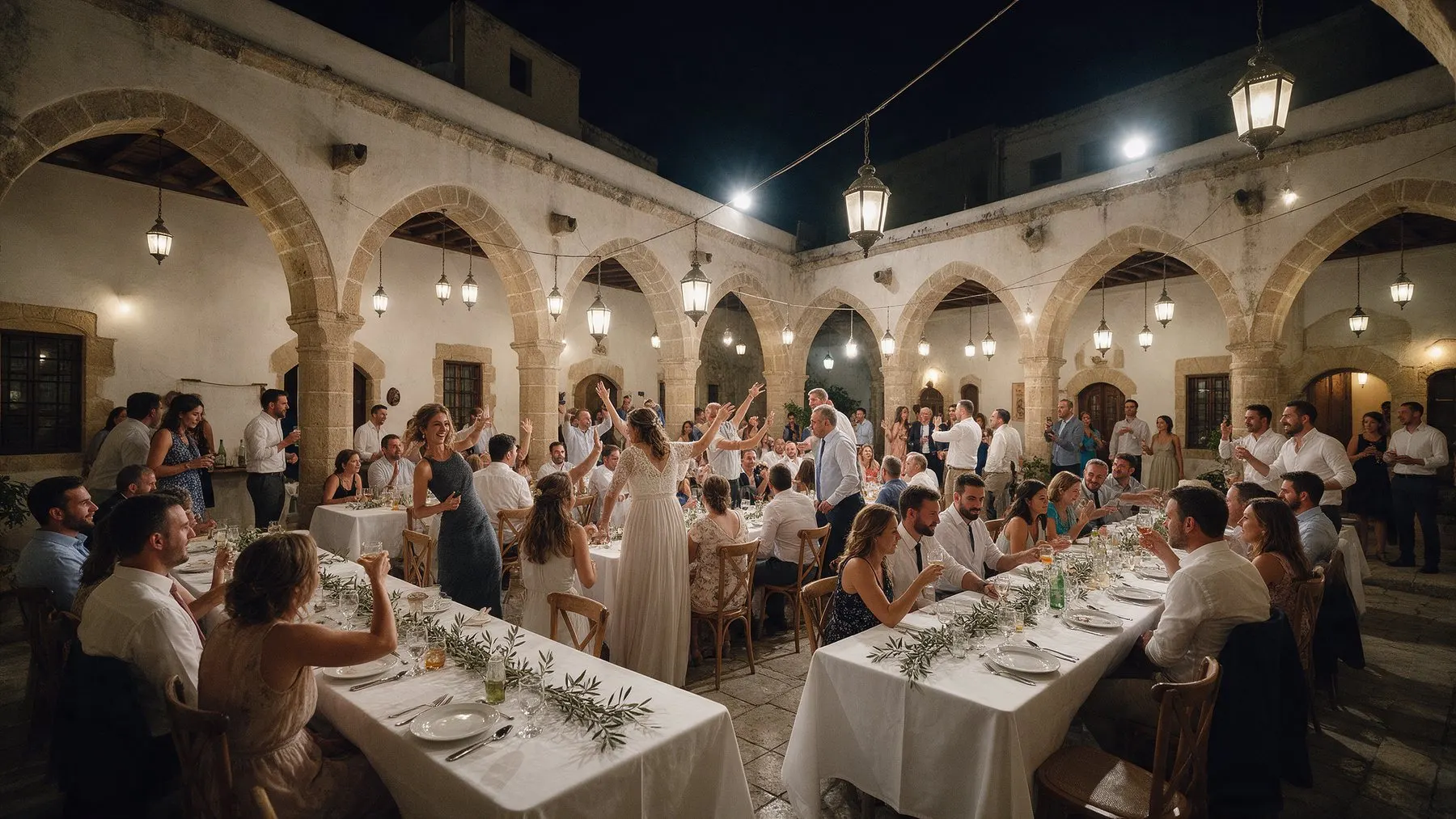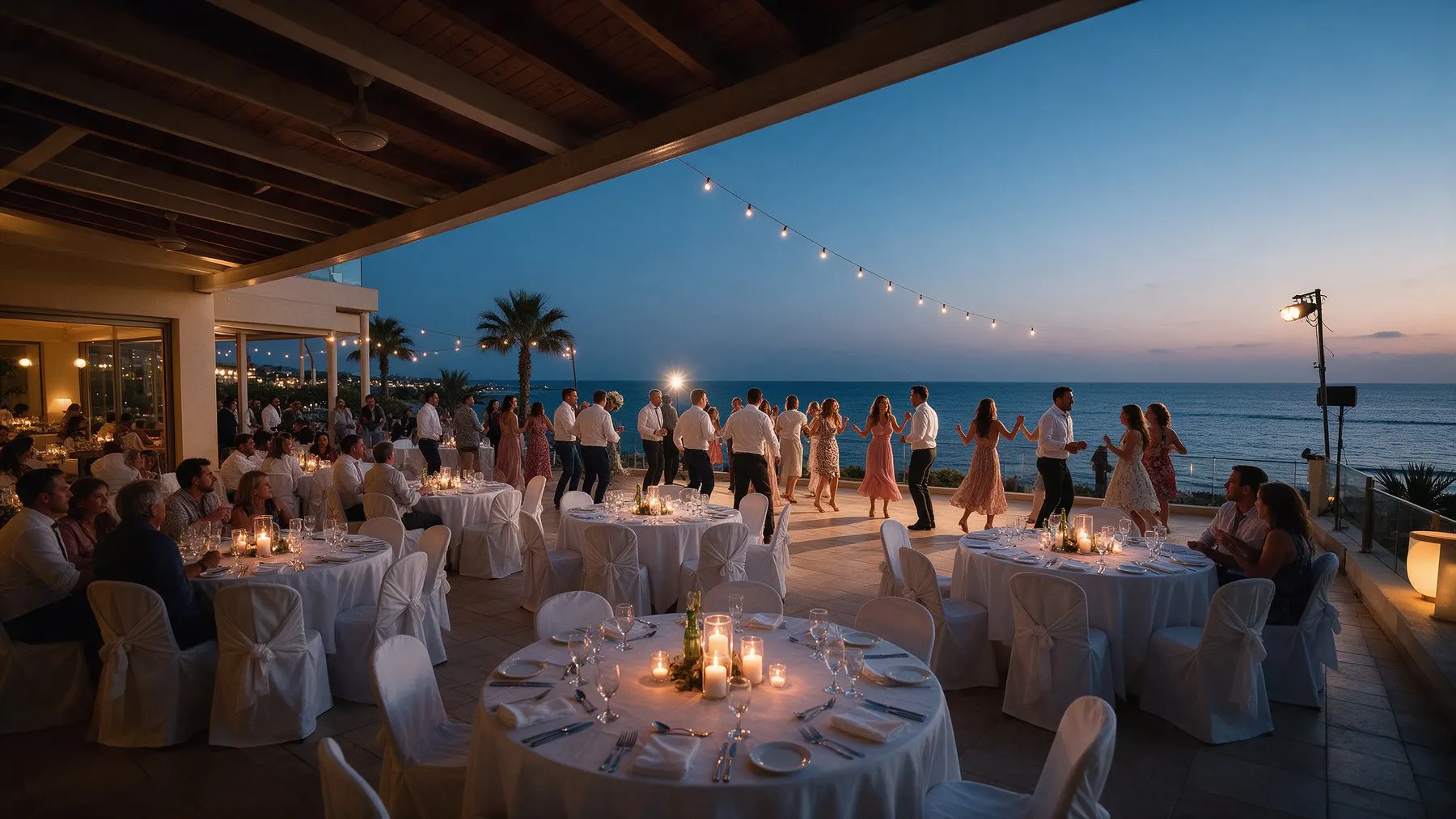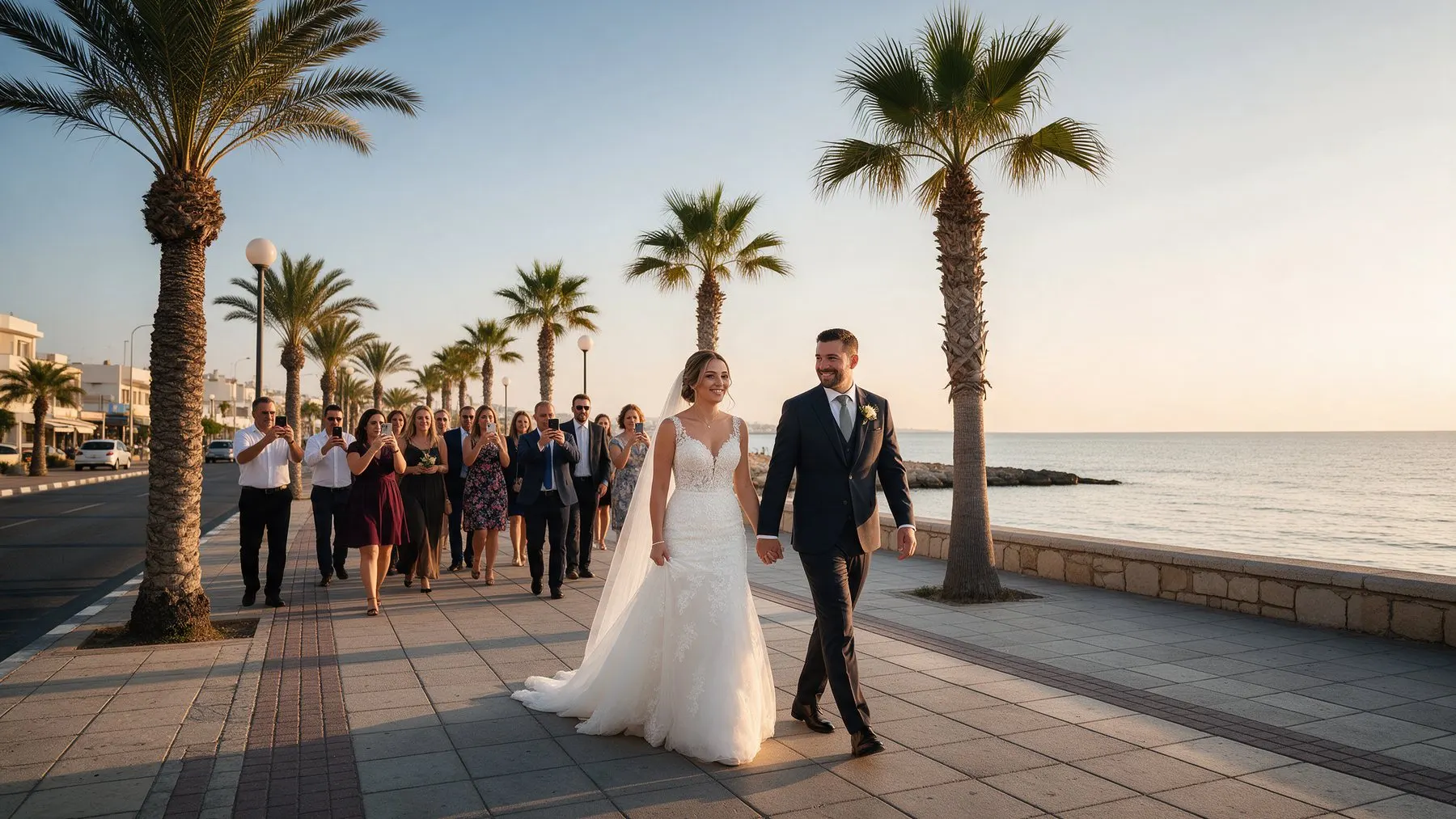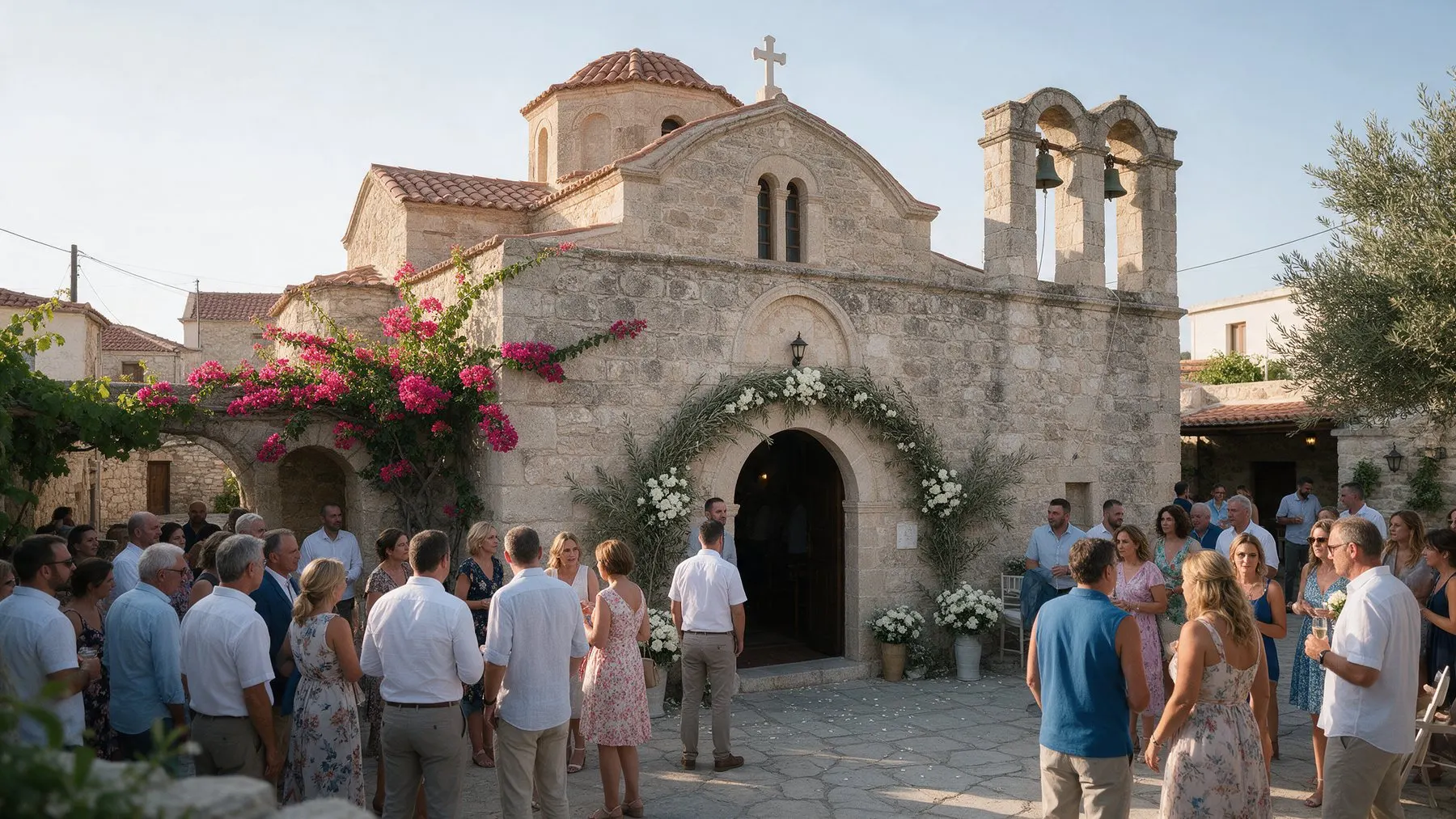


Wedding website, RSVP and QR code photos

Your event’s own private space

A digital invitation, RSVP, a private feed and every guest’s photos by QR code, in one place before, during and after the day. Guests need no app and no account. Open the demo wedding or christening to see it for yourself.

  • No app, guests type only their name
  • Invitation, RSVP and photos in one place
  • One payment, no subscription
How it works

From invitation to keepsake

01

Create your event and invitation

Choose the occasion, add your names, the date, the venue and the schedule of the day, and pick a theme. It takes a few minutes, and you can preview it before you pay. Guests can open it once you choose a plan.

02

Share the link or QR code

Send the link in a message or a WhatsApp group, or print the QR code on invitations, table cards or a sign. Guests open it in their browser. No app, no account.

03

Guests RSVP, post and add photos

Before the day, guests RSVP with their meal choice. On the day, they post photos, videos and wishes to the private feed, in full quality, and new photos can appear on the live wall.

04

Keep everything

After the day, the album stays online for the months of your plan. Download every photo and video as a ZIP and keep the wishbook with every wish as a PDF.

Step inside a real MyWedi event.

Open the demo
One page. Every moment.

For weddings, christenings and every celebration.

MyWedi brings your people, your plans and your memories into one private page, before, during and after the day.

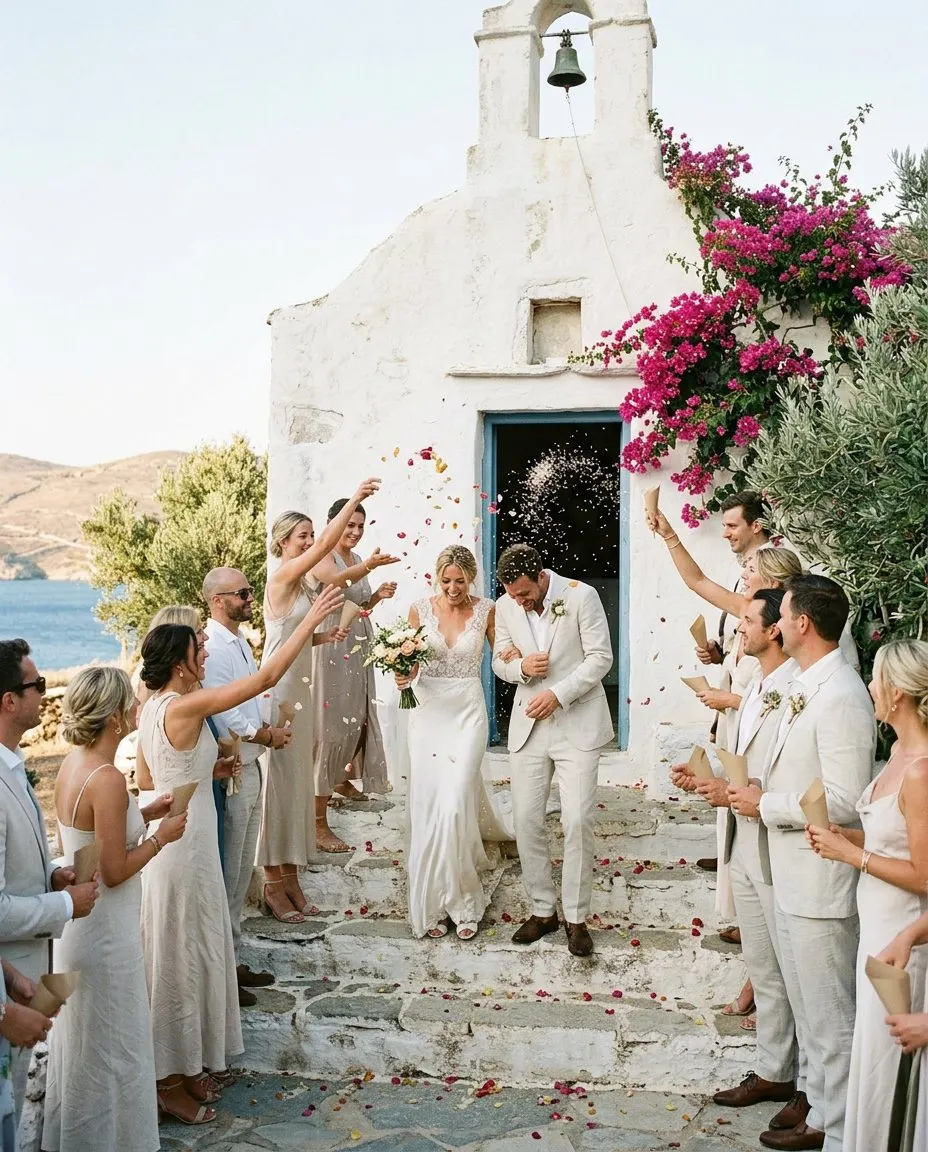
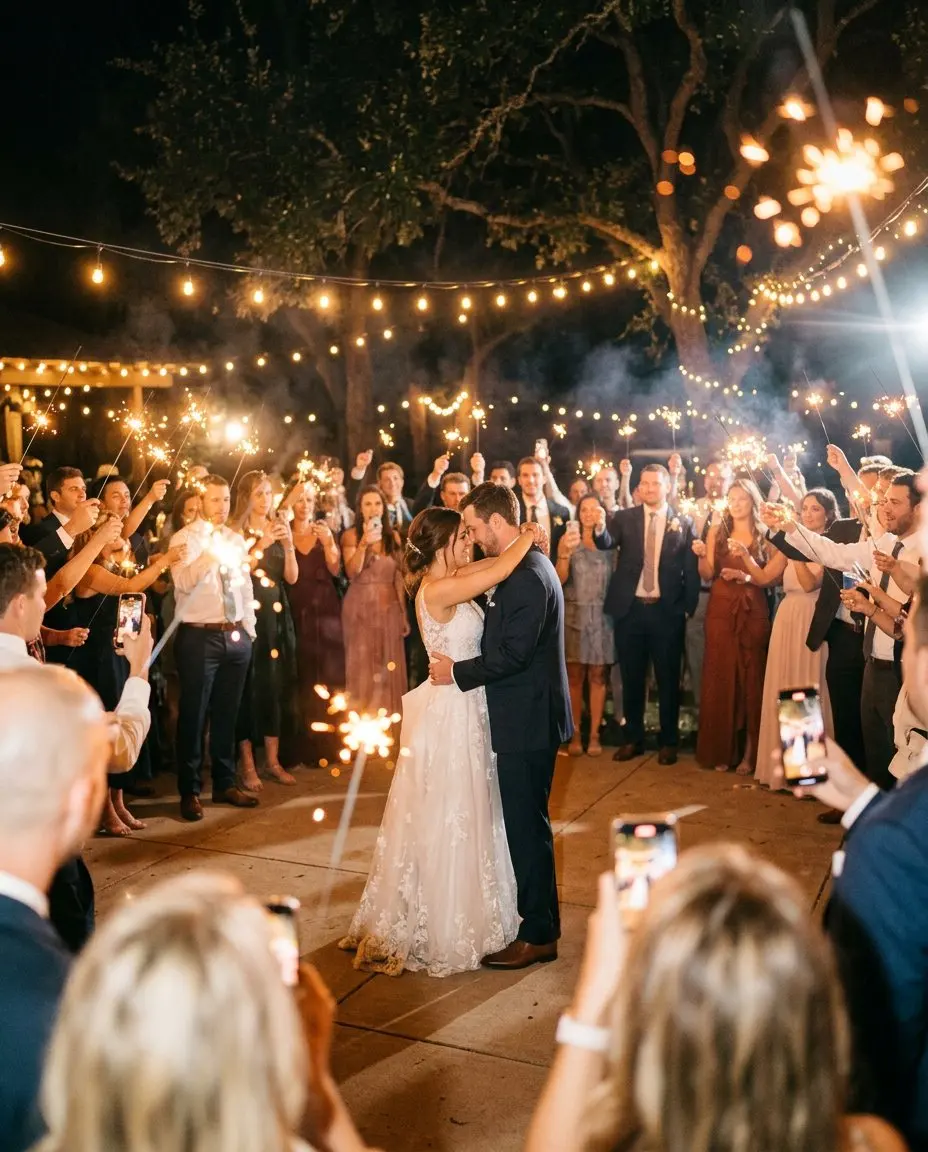
Newlyweds walk out of a whitewashed island chapel as guests throw rice and petals
Weddings

From the first invitation to the last dance.

Send the invitation, collect every RSVP and let guests share the day as it happens. Afterwards it all stays together, in full quality.

  • Invitation, schedule and RSVP with meals
  • Feed, stories and the live photo wall
  • The wishbook and every photo in one ZIP
Learn more
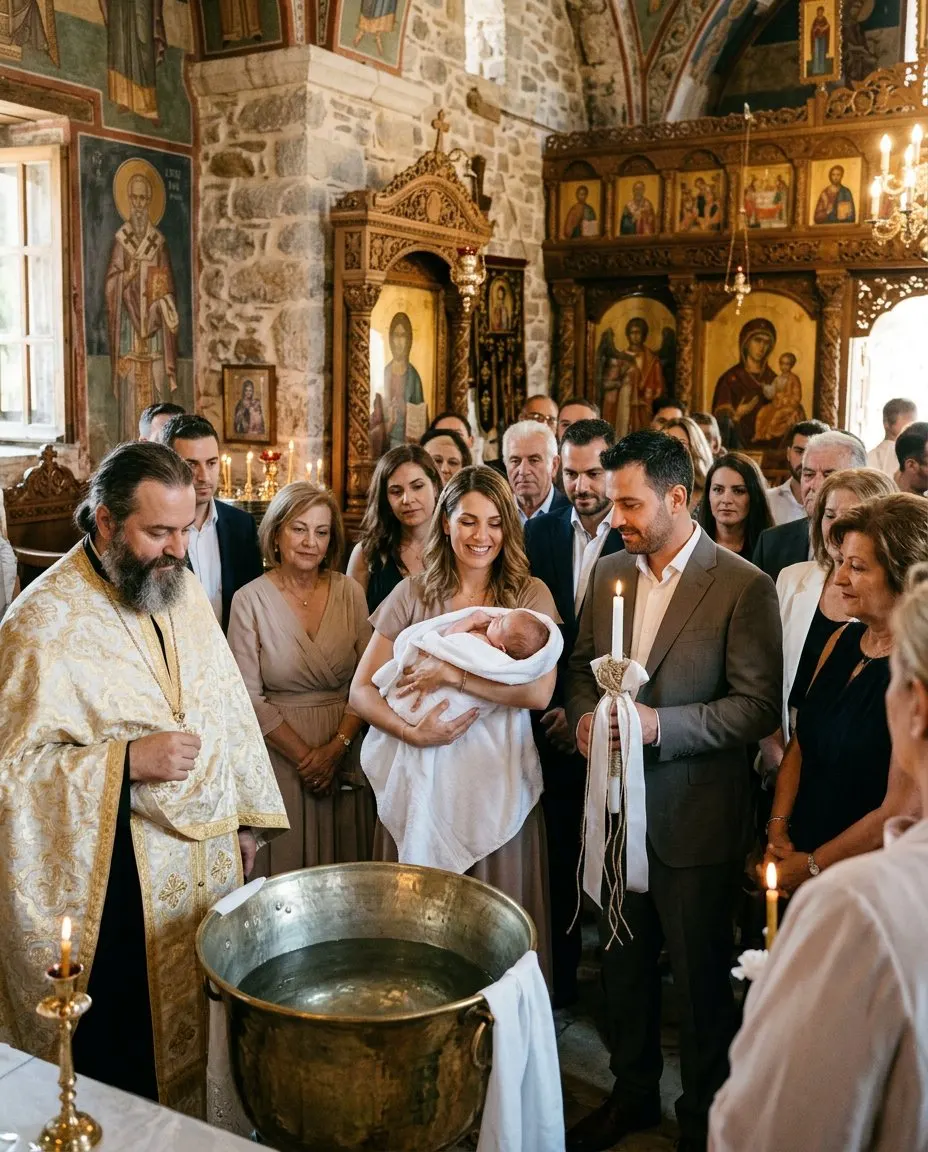
The godmother holds the baby by the font while the godfather holds the christening candle
Christenings

Every candle, every wish, kept for the little one.

Godparents, grandparents and friends add their photos and wishes. One day your child can read them all.

  • Greek and English for every guest
  • Roles for godparents and family
  • A wishbook to print and keep
Learn more
A wedding ceremony on a cliff above the sea at sunset
Destination weddings

Guests from many countries, one page for all.

Travel days, welcome drinks, the ceremony above the sea. Guests see the plan in their language and share from wherever they are.

  • A schedule across several days
  • English, Greek and Russian for guests
  • Maps and Add to calendar
Learn more
Friends dance at a rooftop party by the sea while one takes a phone photo
Parties and birthdays

A small party or a big night, everyone in the picture.

A QR code on the table, song requests for the DJ and a quiz to start the night. Ready in five minutes.

  • Song requests with votes
  • Quiz and polls with a leaderboard
  • Birthdays from €59
Learn more
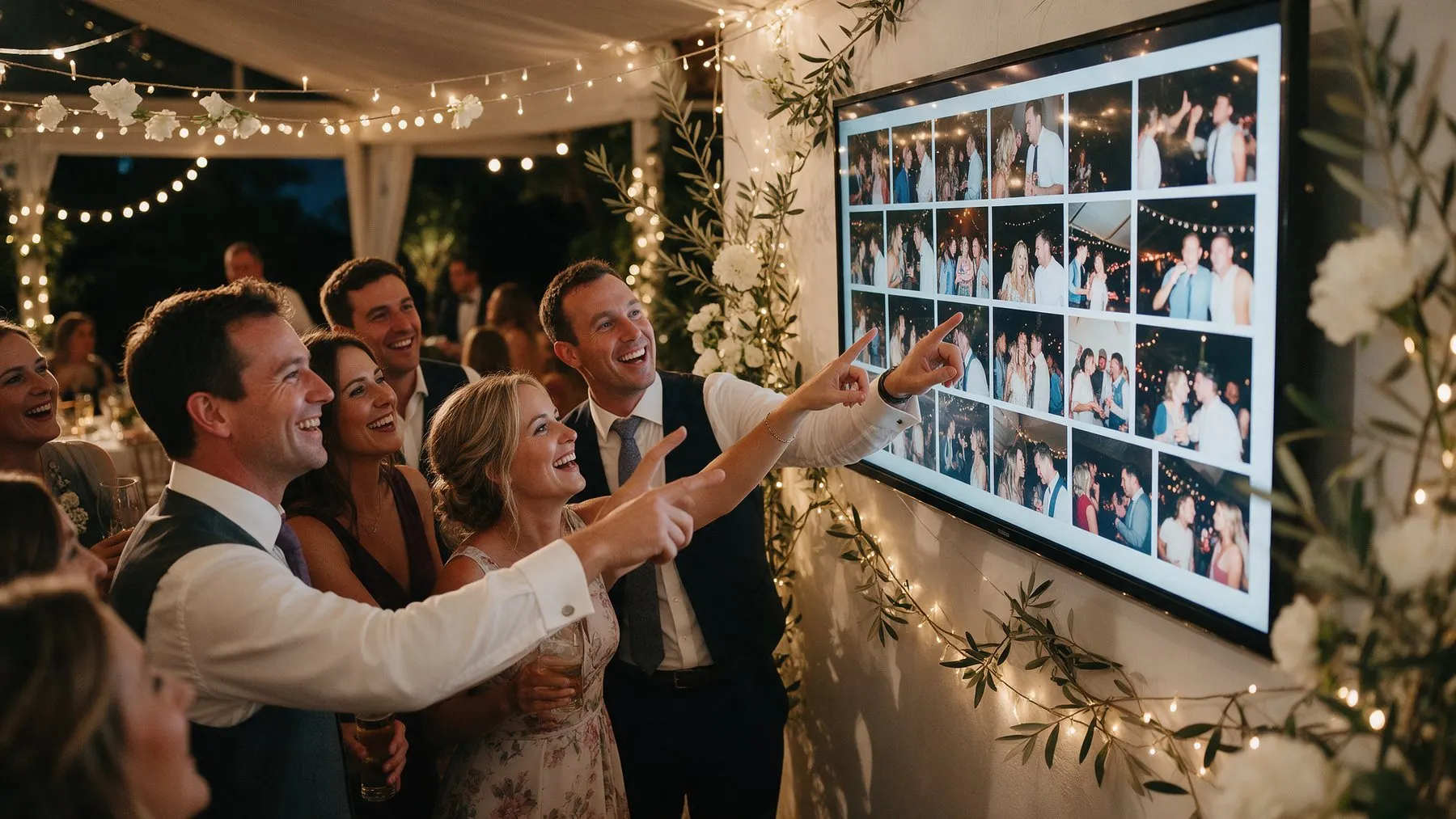
Guests point at their own photos on the big screen at a wedding reception
The live photo wall

The party on the big screen, as it happens

Put the wall on a TV or projector. Every photo a guest adds appears within seconds, with the QR code on screen so more people join in.

  • New photos within seconds
  • Approve before they show, if you like
  • Favourites and challenges in between
  • Works on any TV with a browser
Learn more
Packages

One payment per event. No subscription.

Set up and preview your event first. Upgrade any time and pay only the difference.

Essential

Invitation, RSVP, feed, stories and songs for a smaller celebration.

€99 per event
  • Made for up to 150 guests
  • Online for 3 months (6 for €30 more, 12 for €60 more)
  • Up to 1500 photos and videos
  • Original quality
  • 1 co-host
  • Guest questions
  • RSVP with meals and reminders
  • Song requests
  • Stories
  • Your own message backgrounds
  • Choose what guests can send
  • Download everything as a ZIP
  • Countdown before the day
  • Photo challenges
Choose Essential

Signature

Everything, for the big day: voice wishes, the highlight video, no MyWedi branding.

€219 per event
  • Made for up to 1500 guests
  • Online for 3 months (6 for €30 more, 12 for €60 more)
  • Unlimited photos and videos
  • Original quality
  • Unlimited co-hosts
  • Everything in Story, plus:
  • Voice wishes
  • Highlight video
  • No MyWedi branding
Choose Signature

Prices include VAT. Upgrade any time and pay only the difference.
Pay by card, Apple Pay, Google Pay, PayPal or bank transfer. You get a VAT invoice.

Try it as a guest first: Wedding demo (English) · Christening demo (Greek)

Questions

Questions hosts ask us

What is MyWedi?

MyWedi is your event’s own private space. Before the day it is a digital invitation with RSVP. On the day guests post photos, videos and wishes to a private feed by scanning a QR code. Afterwards you keep the album and the wishbook. Guests need no app. MyWedi is made by TKOCY LTD in Limassol, Cyprus.

What kind of events is it for?

Weddings, christenings, engagements, birthdays, baby showers, gender reveals, parties and corporate events. Each occasion comes with its own wording, guest roles and themes, and you can change them. See ideas for each occasion.

Can I see what it looks like before I sign up?

Yes. Open the demo wedding (in English) or the demo christening (in Greek). They show the invitation, the feed, stories and the album as your guests would see them. No sign-up needed.

What is the private feed?

It is a social feed only for your guests. They post text, photos, videos and wishes, react with emoji and comment. Posts are grouped by the parts of the day, such as the church, the reception and the party. Stories show a photo or video in the circles at the top for a day, and everything stays in the album afterwards.

Do guests need to install an app or create an account?

No. Guests scan the QR code with their phone camera or tap your link, and your event opens in their browser. They type their name once and the phone remembers them. There is no app to install, no account and no password to remember, unless you set one for the album.

How do guests RSVP?

From the invitation. Guests answer yes, maybe or no, say how many adults and children are coming, choose a meal from your menu, note any allergies and leave an e-mail or mobile number. RSVP is included from Essential up.

FAQ

Create your event

Your day, before, during and after

One page for the invitation, the RSVP, the photos and every wish. Guests need no app, only their name. Set it up in five minutes.